Founder & CEO at SolGuruz® | Organiser @ Google Developers Group Ahmedabad | Top 0.1% over StackOverflow | 17+ years experienced Tech Consultant | Helping startups with CRM, SaaS, AI Solutions, and Custom Software Development
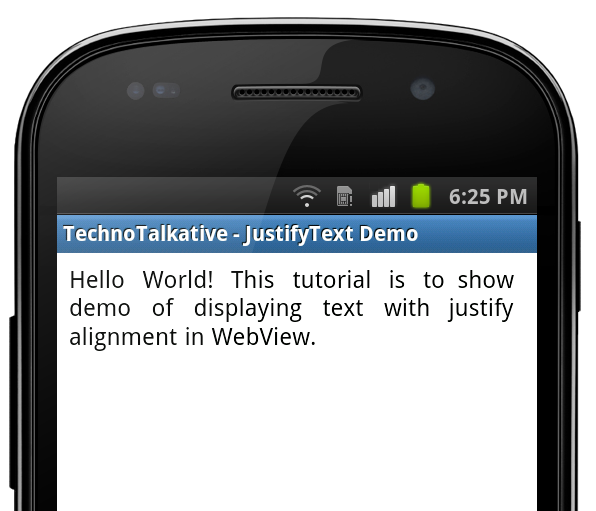
Problem: How do i display information with Justify alignment? Solution: I saw many developers asking questions on Stackoverflow for this problems. Here are some: 1. Android TextView Justify Text 2.…
My first speaking engagement/talk in 2013 is coming up on 12th Jan. Google Developers Group, Indore has given me this opportunity to manage 1 day Android code lab session. Event is…
Hello All, Before deep drive into this topic, I would like to ask few things: 1. Do you have stackoverflow account? 2. Are you member of Android Development community? Yes…
I got many queries from college students and engineers regarding installation and setup of Android development environment, so for them here is good news. I was used to send them…
This article is extension of my previous article about DayDream: What exactly DayDream feature is about?. Now i assume you understood about DayDream, so now i am proceeding further for developing a small example of DayDream.
Step 1: Create a sample project to build this demo example
I have created a simple project to give this demo, you can follow below steps to create DayDream for your Android application.
This feature is come up with Android 4.2 JellyBean. Hope you got 4.2 update in your device. I can explore such features in Nexus 7.
Now, What exactly DayDream feature is about?
Android – DayDream
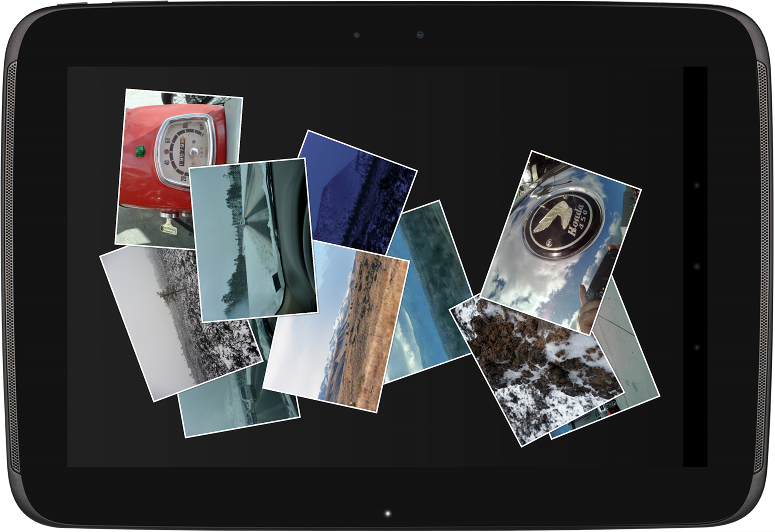
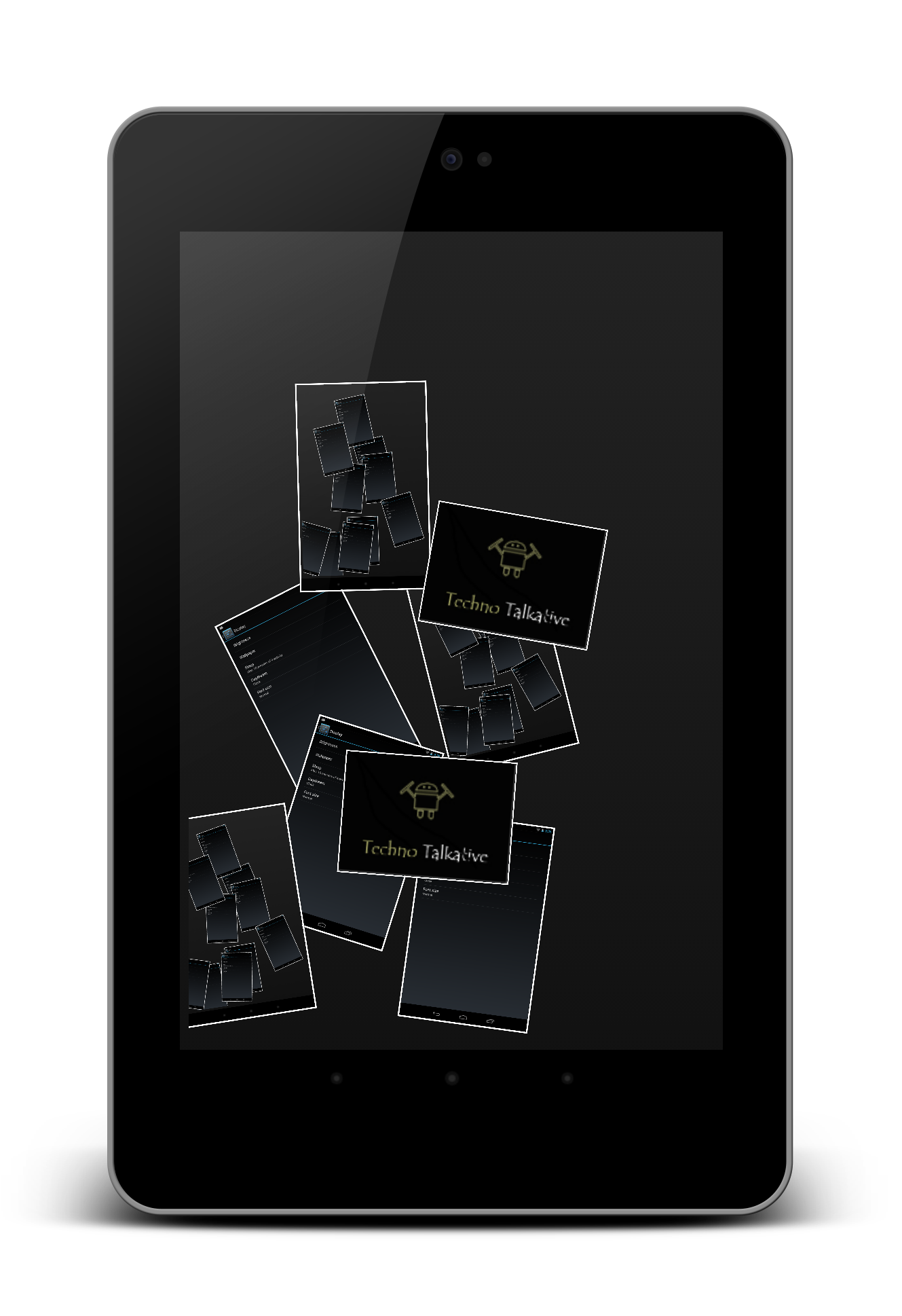
Daydream is an interactive screensaver mode that starts when a user’s device is docked or charging. In this mode, the system launches a daydream – a remote content service provided by an installed app – as the device screensaver.
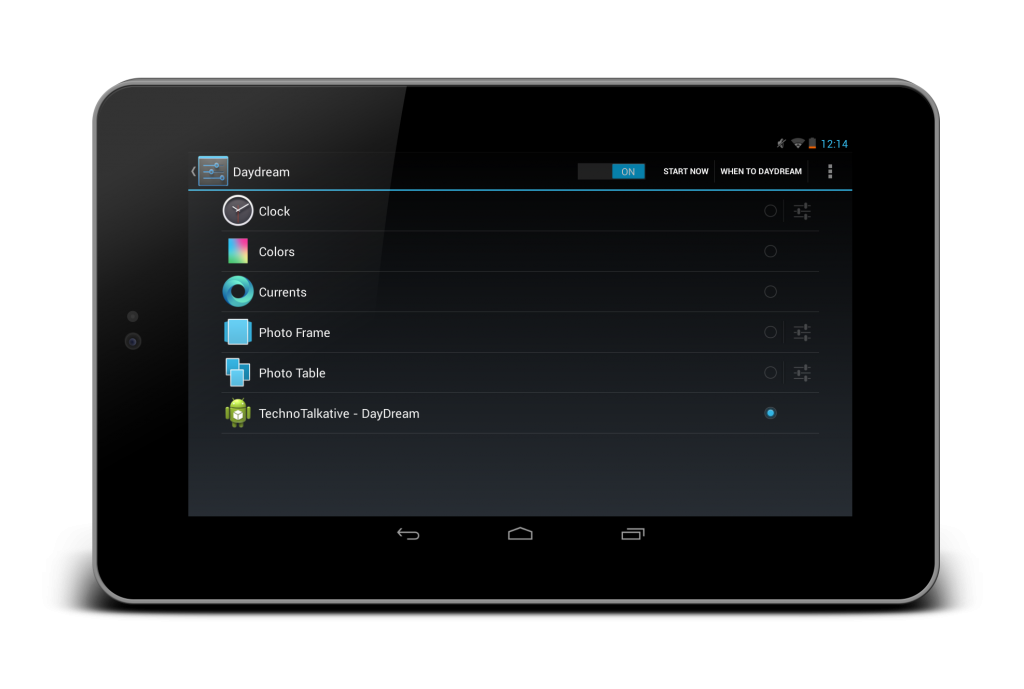
A user can enable Daydream from the Settings -> Display -> DayDream and then choose the daydream to display.
Daydreams combine the best capabilities of live wallpapers and home screen widgets, but they are more powerful. They let you offer the any kind of content in a completely new context, with user interactions such as flipping through photos, playing audio or video, or jumping straight into your app with a single touch.
Because daydreams can start automatically when a device is charging or docked, they also give your app a great way to support new types of user experiences, such as leanback or exhibition mode, demo or kiosk mode, and “attract mode” – all without requiring special hardware.
Capturing photo of the screen and showing it to friend/client/fans for the some purpose like Requirement understanding, explaining about some screens, screen designs or any else. Actually i was surprised about to capture screens for my one of the article i supposed write today, i wasn’t knowing how to capture screenshot, so i have explored web and got to know the tricks but simple step. Its as easy as capturing screenshot in Samsung Galaxy S, Galaxy Nexus.