- Home
- Android
AIDE – Write code using your Android device
Yes, this article is about to write code for android app directly on your android phone or tablet. I came across an android application which can help you to write code from phone and tablet directly. App name: AIDE – Android Java IDE I have tested AIDE on both the devices phone and tablet. Here […]
-
Paresh Mayani
- March 12, 2012
Android – Underline text in TextView
How to underline text in TextView? Solution:
-
Paresh Mayani
- March 7, 2012
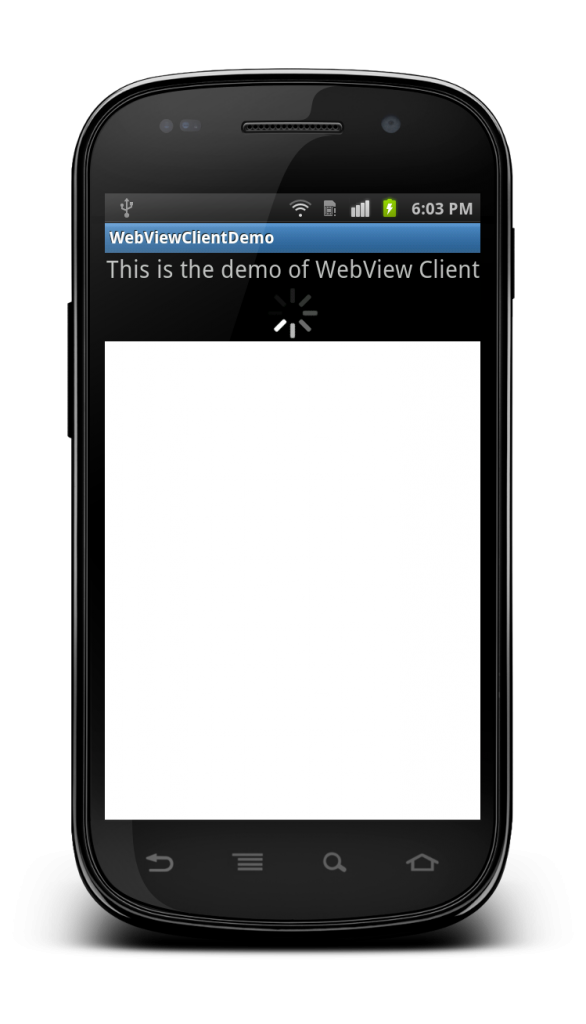
Android – Load WebView with ProgressBar
Problem: How to load WebView with ProgressBar? Description: Earlier I have published an article for Android – WebViewClient example where we have discussed about how to load URL inside the application instead of opening a native browser. Now, just consider the case where we require to include progress bar to show loading process. Here we […]
-
Paresh Mayani
- February 21, 2012
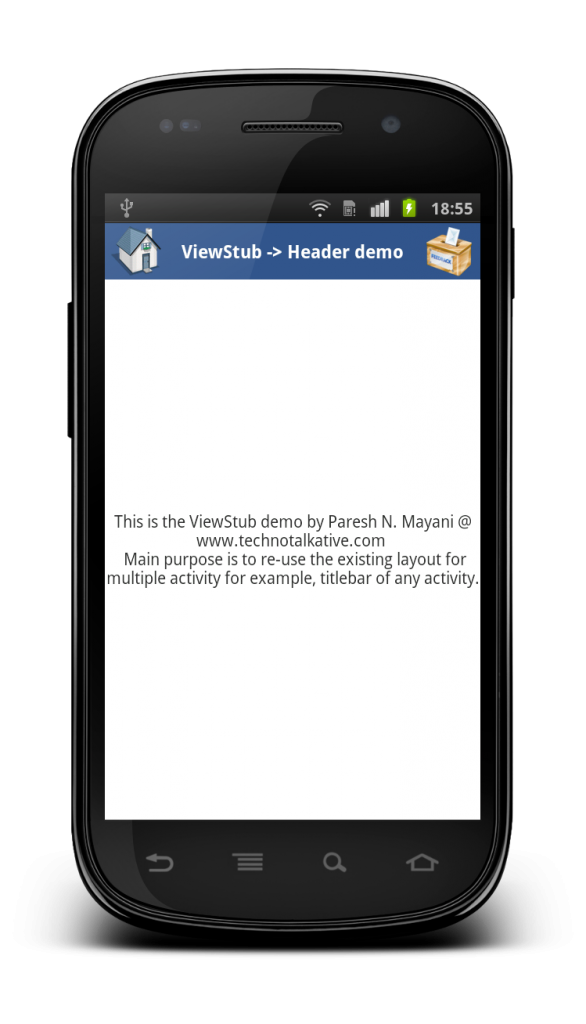
Android – ViewStub example
Problem: How to implement ViewStub in Android? Description: I have used ViewStub almost for implementing Title Bar (i.e. Header) for most of the application. I have defined a Title bar layout only for once and then I have re-used the same layout for every activity by the use of ViewStub. Now, let me clear idea […]
-
Paresh Mayani
- February 14, 2012
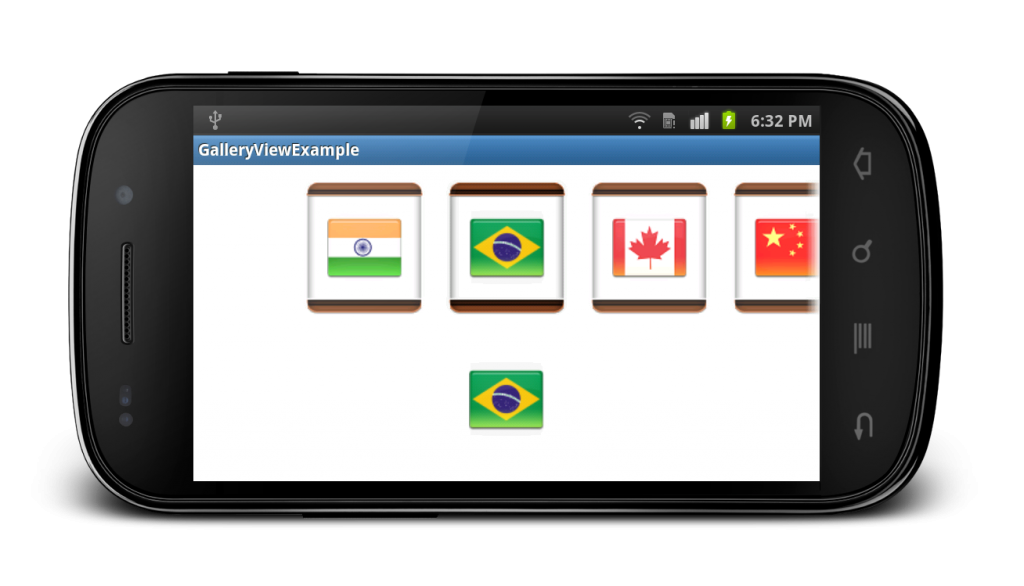
Android Gallery Example
Problem: Android Gallery example Output: Description: Many times we have to display images in horizontal row and based on the selection of the particular image we have to show it inside the ImageView, so for the same task, i have written an article, also provided a source code example. So just go through this example […]
-
Paresh Mayani
- January 4, 2012
Android – Get current date and time in different format
Related Article: Get current date and time. But this article guides you to fetch current date and time in different formats. Just define your SimpleDateFormat object with desired format and format the current date and time by using format() method. Calendar c = Calendar.getInstance(); System.out.println("Current time => " + c.getTime()); SimpleDateFormat df1 = new SimpleDateFormat("dd-MMM-yyyy"); […]
-
Paresh Mayani
- December 29, 2011
Android – DatePickerDialog example
Problem: Select date from dialog and display it in TextView. Solution: DatePickerDemoActivity.java main.xml Download full example: Android – DatePickerDialog example
-
Paresh Mayani
- December 23, 2011
Search
Explore Topics
Short Stories
From Payroll to People: The Evolution of
- 7 min read
How to Host a Web App :
- 6 min read
Why Hiring a Flutter Developer is the
- 10 min read