What is WebViewClient and what is it’s usage?
When the user clicks a link from a web page in your WebView, the default behavior is for Android to launch an application that handles URLs. Usually, the default web browser opens and loads the destination URL. However, you can override this behavior for your WebView, so links open within your WebView. You can then allow the user to navigate backward and forward through their web page history that’s maintained by your WebView.
To open links clicked by the user, simply provide a WebViewClient for your WebView, using setWebViewClient().
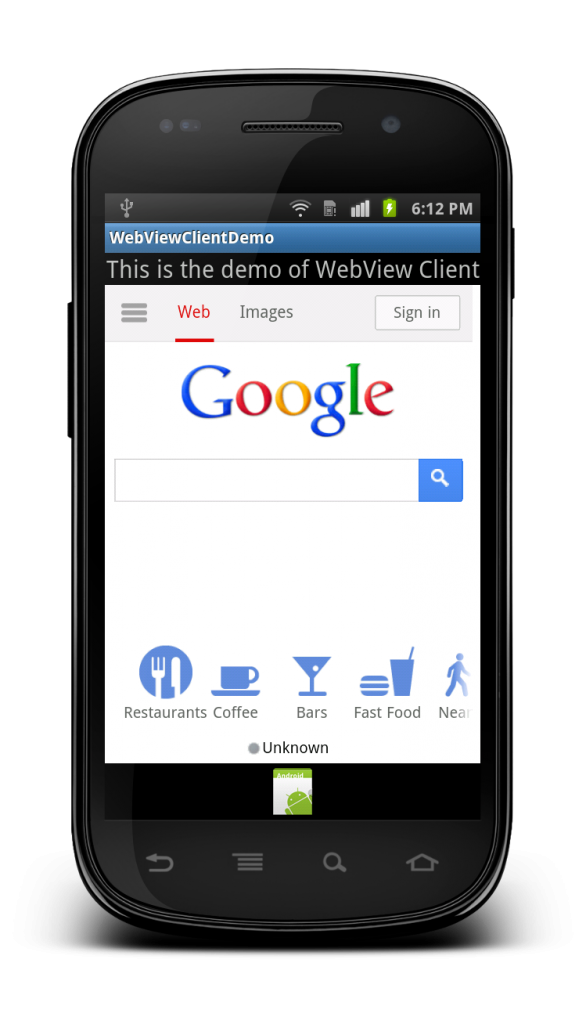
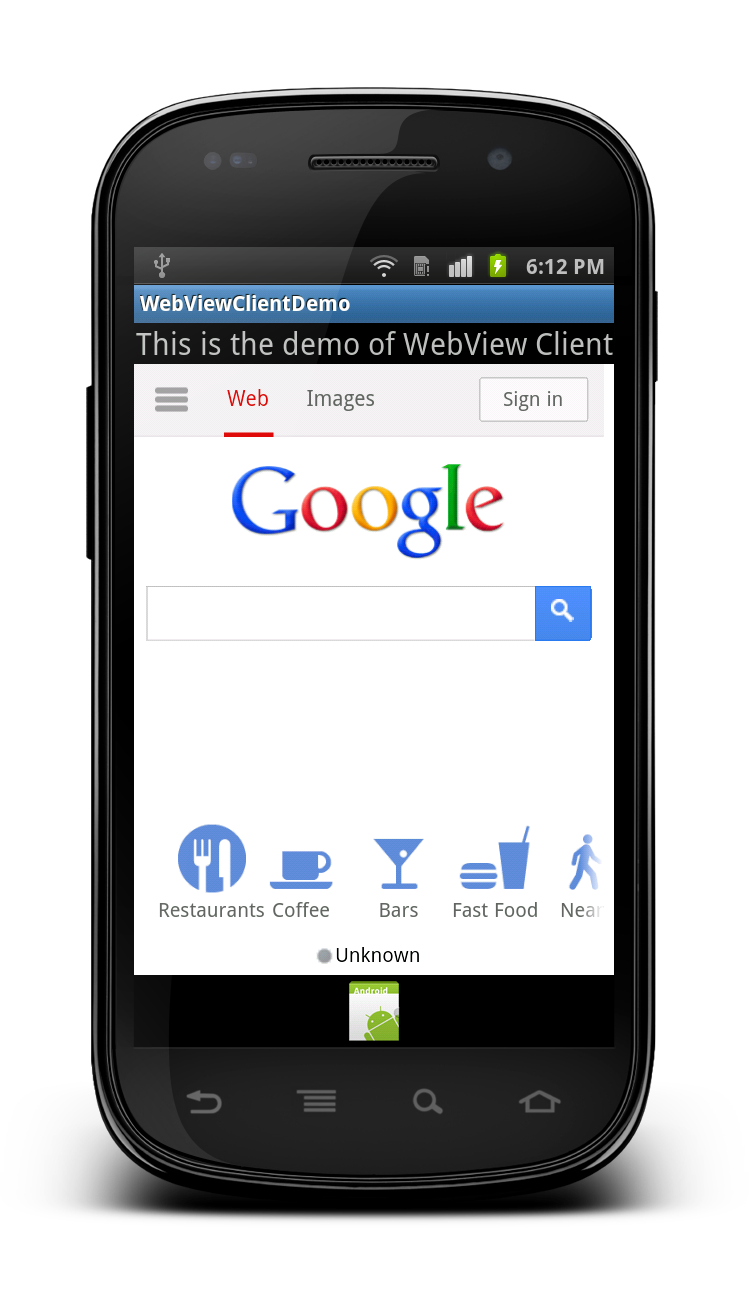
Demo of creating an application to open any URL inside the application and clicking on any link from that URl
should not open Native browser but that URL should open in the same screen.
Output: