Android – Place Market link inside the App
Android – GridView example
Problem: Simple GridView example
Description:
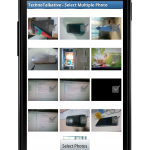
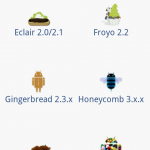
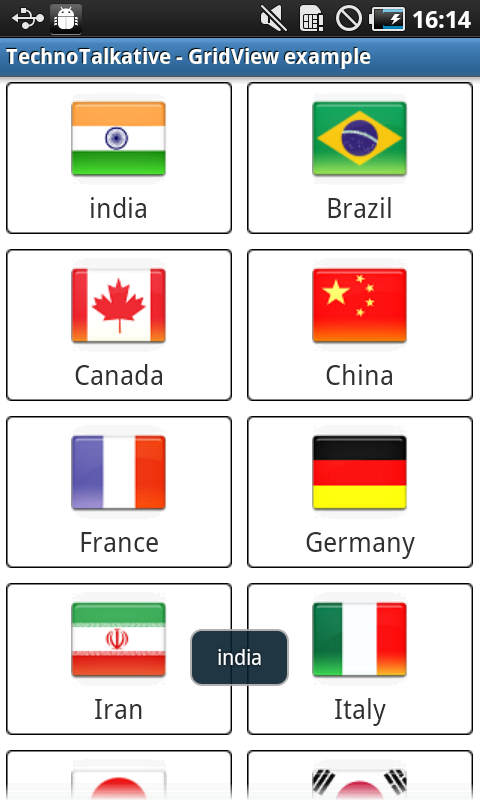
What do you say, is this simple GridView example?, I think it is not 🙂 :). The main purpose of this post is to give demo for creating nicely laid GridView and also to make GridView more fancy.
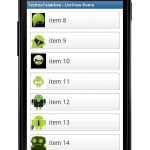
Same as previous Android – ListView articles, we are going to create custom adapter for the GridView. I assume you are already aware of this or you have learnt it from my previous articles, If you aren’t aware about this then you should go through the previous article of ListView series.
And for understanding GridView XML layout attributes, just go through this article: Android – GridView – 1001 attributes to keep in mind

Android – ToggleButton example
Problem: ToggleBar Example
Description:
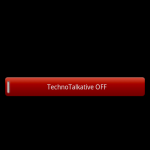
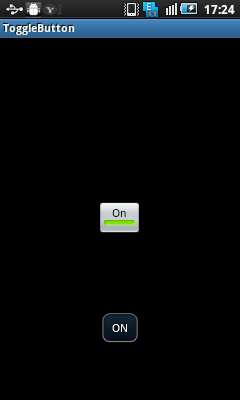
This is just the simple example for implementing ToggleButton in android application.
Below are some methods which we have used in this example:
setOnClickListener – Used to register a callback whenever view is clicked
setChecked() – used to mark toggle button as checked/unchecked
setTextOn() – used to display text on toggle button whenever it is CHECKED
setTextOff() – used to display text on toggle button whenever it is UnCHECKED.
Android – Show error in EditText
Android JSON Parsing tutorial
Android JSON Parsing Example
I have found many newbie android programmers are facing issues in implementing JSON Parsing, this article is for them with step by step demo.

Now a days, almost all the web APIs are REST based and it returns JSON response. We have to parse the JSON string either into array, objects or values, to display into the particular views like ListView, TextView, etc.
We can use JSONObject and JSONArray for parsing the response string.