
Mobile apps are not optional for businesses in 2026. In the age of AI, there is no longer much excuse for not having one.
For a long time, businesses treated Android as the second priority behind iOS. That has changed. Android now gets the same attention, and modern Android app development companies use AI to build both native and cross-platform apps at speed.
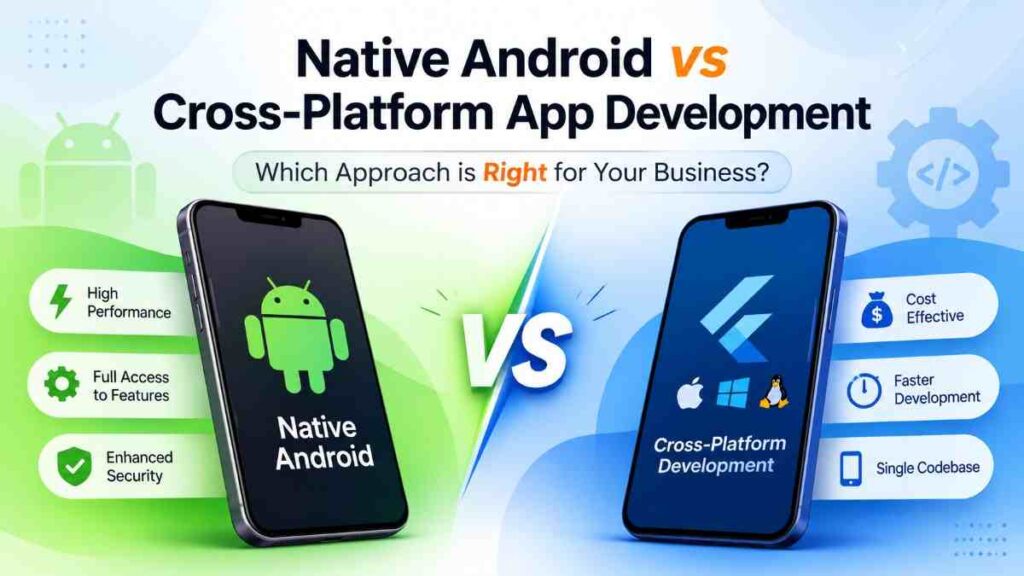
But if you are building for Android, one decision comes before everything else: native or cross-platform.
Most articles answer that question for a business splitting its users evenly between Android and iOS. This one answers it for a business whose users are mostly on Android, because the answer changes.
What Native and Cross-Platform Actually Mean
Native Android development means building with the tools made for Android: Kotlin, Jetpack, and the Android SDK. You write one codebase that runs on one platform.
Cross-platform frameworks let developers write once and ship to both Android and iOS. The business benefit is straightforward: one codebase, one team, no need to staff and maintain two separate app teams.
Take a shopping app as an example. Build it native and you need platform specialists and two separate codebases. Build it with a cross-platform framework and one team covers both. For a standard business app, that is usually the sensible route. For something performance-heavy like a 3D game, native still wins.
Performance differences between native and cross-platform have narrowed a lot over the past few years. For most business applications, the gap no longer decides the question on its own. We covered that comparison in detail in why startups are choosing Flutter over native.
What still separates them is how close you need to get to the device itself. That is a different question from raw speed, and it is where an Android-first business should focus.
Where Android-First Changes the Answer
If Android carries most of your users, three things shift the decision toward native. None of them is about speed.
Deep device integration
Cross-platform frameworks reach the device through a bridge. For most features that is fine. For some, the bridge is the problem.
Bluetooth is the clearest case. An app pairing with custom hardware, handling background scanning, or managing a reconnection strategy will hit the limits of a plugin quickly. The same applies to NFC in payment and access-control apps, where timing and error handling matter and the plugin ecosystem is thin.
Biometric authentication sits in similar territory. A basic fingerprint prompt works everywhere. Tying biometric unlock to the Android Keystore, handling the full range of device variations, or meeting an enterprise security policy means working against the platform directly.
Then there are sensors. Continuous accelerometer or gyroscope reads, camera work beyond taking a photo, and anything running in the background while the screen is off all behave differently once a bridge sits in the middle.
The practical test: if a feature needs a capability that shipped in a recent Android release, native gets it on day one. Cross-platform gets it when someone writes and maintains the plugin.
If you already run both a Flutter app and a React Native app, there is a middle path. You can write the native Android capability once as a shared library and expose it to both frameworks through thin bridges, rather than implementing it twice.
Dedicated and managed devices
This is the case most comparison articles miss entirely.
Plenty of businesses do not ship to a public app store at all. They buy a fleet of tablets or handhelds, lock them to one app, and hand them to warehouse staff, delivery drivers, field technicians, or customers at a kiosk.
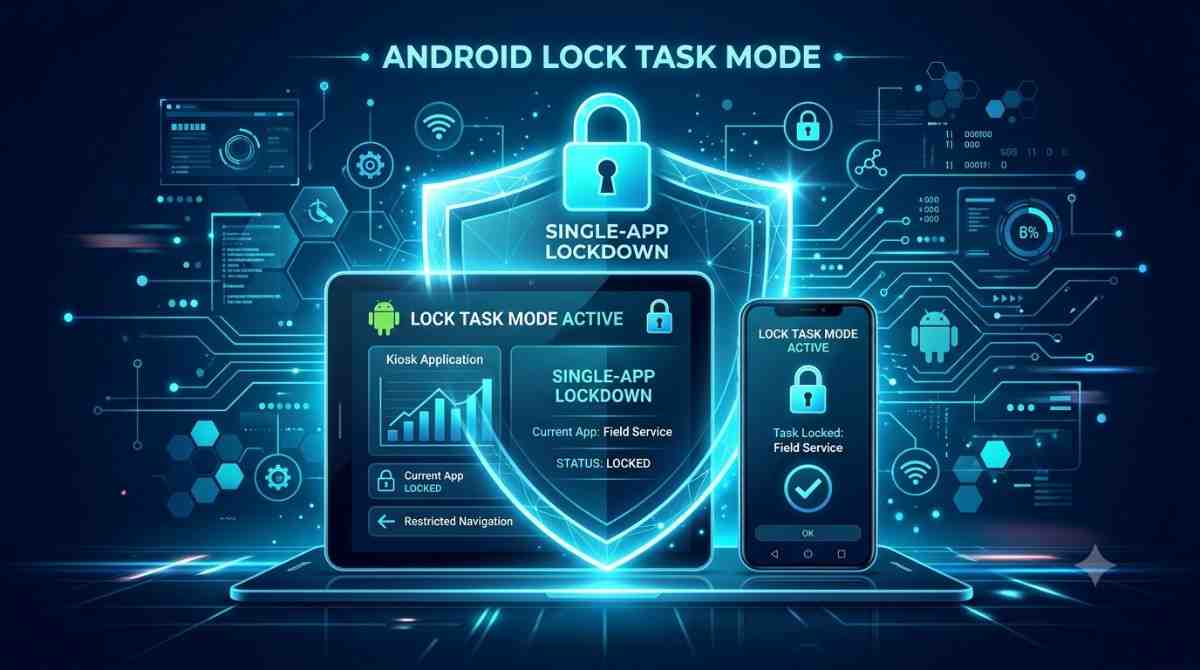
That setup depends on Android’s device administration APIs: device owner provisioning, lock task mode, user restrictions, remote policy updates. These are not user-interface features that a plugin can wrap. They are platform administration, and they expect an app that is part of the Android device management model.
The provisioning step in particular is unforgiving. A device has to be set up as fully managed before any account is added to it, which means the decision belongs at procurement, alongside the hardware choice. We walked through how this works in Android lock task mode.
If your app is going onto dedicated devices, native is not a preference. It is close to a requirement.
Android-specific interface
Native development gives you direct access to Android’s own interface patterns: predictive back, Material You theming, home screen widgets, quick settings tiles, and the behaviours Android users already expect. Cross-platform frameworks reach most of this eventually, but usually later and through a wrapper.
For a business whose users are nearly all on Android, that gap is felt every day. For one serving both platforms, a consistent experience across the two is often worth more than a perfectly Android-native one.
What Cost Looks Like When Android Comes First
The cost case for cross-platform rests on one idea: write the code once, ship it to two platforms, pay roughly once. That holds when your users are genuinely split between Android and iOS.
If most of your users are on Android, the arithmetic changes. You still pay for the abstraction layer, the platform-specific workarounds, the extra testing surface, and the third-party packages sitting between your code and the operating system. What you do not collect is the saving that justified all of it, because there is no second platform carrying half the value.
It is also worth remembering that cross-platform never halves the bill even in the best case. Platform-specific requirements, separate testing, store submission, and custom integrations all remain. The shared portion is the business logic and most of the interface, not the whole project. We looked at how this plays out across frameworks in native versus cross-platform cost and performance.
None of this makes cross-platform the wrong choice for an Android-first business. It means the saving is smaller than the pitch suggests, and the decision should rest on what the app needs to do rather than on a halved development estimate.
When Native Android Is the Right Call
Native deserves serious consideration when:
- Your users are overwhelmingly on Android. If iOS is under a quarter of your base, you are paying for portability you are barely using.
- The app is performance-intensive. Games, video processing, real-time rendering, and heavy on-device computation.
- The app depends on device hardware. Bluetooth peripherals, NFC, biometrics, or continuous sensor access.
- The app runs on dedicated or managed devices. Kiosks, warehouse handhelds, driver tablets, any locked-down deployment.
- The interface needs to feel distinctly Android. Deep use of Material You, widgets, or platform-specific interaction patterns.
When Cross-Platform Still Wins
Cross-platform remains the better choice when:
- You need both Android and iOS. One team, one codebase, two platforms.
- The budget is tight. Shared development cuts duplicated engineering work.
- You need to launch quickly. Startups get an MVP in front of users faster and start collecting feedback sooner.
- The app is a standard business application. Shopping, booking, customer portals, service apps.
- Consistency matters more than platform fidelity. Every customer gets the same experience regardless of device.
What to Consider Before Deciding
Development cost is only part of the picture. Five things affect how the app performs over its life.
Changing customer expectations. Users expect fast loading, easy navigation, and reliability. Whichever approach you choose has to deliver that from launch.
AI integration. Recommendations, voice interaction, virtual assistants, and automated support are becoming standard. Both approaches can support them, though on-device AI models currently favour native. This is an area moving quickly, and we track it in our overview of AI development trends.
Security and privacy. For apps handling payments, customer data, or sensitive business information, your approach has to support the security controls you need. Device-level security features are reached more directly from native code.
Long-term maintenance. Every app needs updates, fixes, and new features. Cross-platform means tracking one framework’s release cycle plus two platform release cycles. Native means tracking one platform.
Business expansion. If you plan to reach new markets or new platforms, the approach has to grow with you without a rebuild.
The Decision in Practice
Both approaches work. They answer different questions.
Native Android gives you the deepest access to the platform and the closest fit to what Android users expect. Cross-platform gives you reach across both platforms without running two teams.
For an Android-first business, the question is not which is better in general. It is whether your app needs something from the device that a bridge cannot reliably provide. If it does, whether that is hardware integration, managed device deployment, or deep platform behaviour, native is the right call, and the cost difference is smaller than it looks because you were never collecting the cross-platform saving anyway.
If it does not, cross-platform will serve you well, and it leaves the door open if iOS becomes part of the plan later.
FAQs
1. Does an Android-majority user base change the decision?
Yes. The cross-platform saving comes from sharing one codebase across two platforms. If iOS is a small share of your users, you pay the overhead without collecting most of the benefit. That shifts the balance toward native, though it does not settle it on its own.
2. What device features still need native Android?
The ones where a plugin layer gets in the way: custom Bluetooth hardware, NFC in payment or access-control flows, biometric authentication tied to the Android Keystore, continuous background sensor access, and anything using the device administration APIs for managed or locked-down devices.
3. Do cross-platform applications deliver good performance?
For most business applications, yes. Modern cross-platform frameworks are close enough to native that performance rarely decides the question. The exceptions are games, heavy video or image processing, and real-time rendering.
4. Can I switch from native Android to cross-platform later, or the other way?
Yes, but plan it as a real project rather than a quick conversion. Business logic often transfers reasonably well. The interface layer and anything touching the device usually needs rewriting, and the timeline depends on how much of the app sits in each category.
5. Which approach is better for startups?
Cross-platform, in most cases. If you are targeting both Android and iOS on a limited budget and need to launch quickly, shared development is the practical choice. Revisit it if the product later needs deep device integration.